
This page contains affiliate links. If you make a purchase through one, we may earn a commission at no extra cost to you.
If Surfshark won’t connect, the cause is almost always one of four things: a network conflict, the wrong protocol for your connection, a busy server, or another app blocking it. Here’s how to check each one in order.
Try a Different Server First
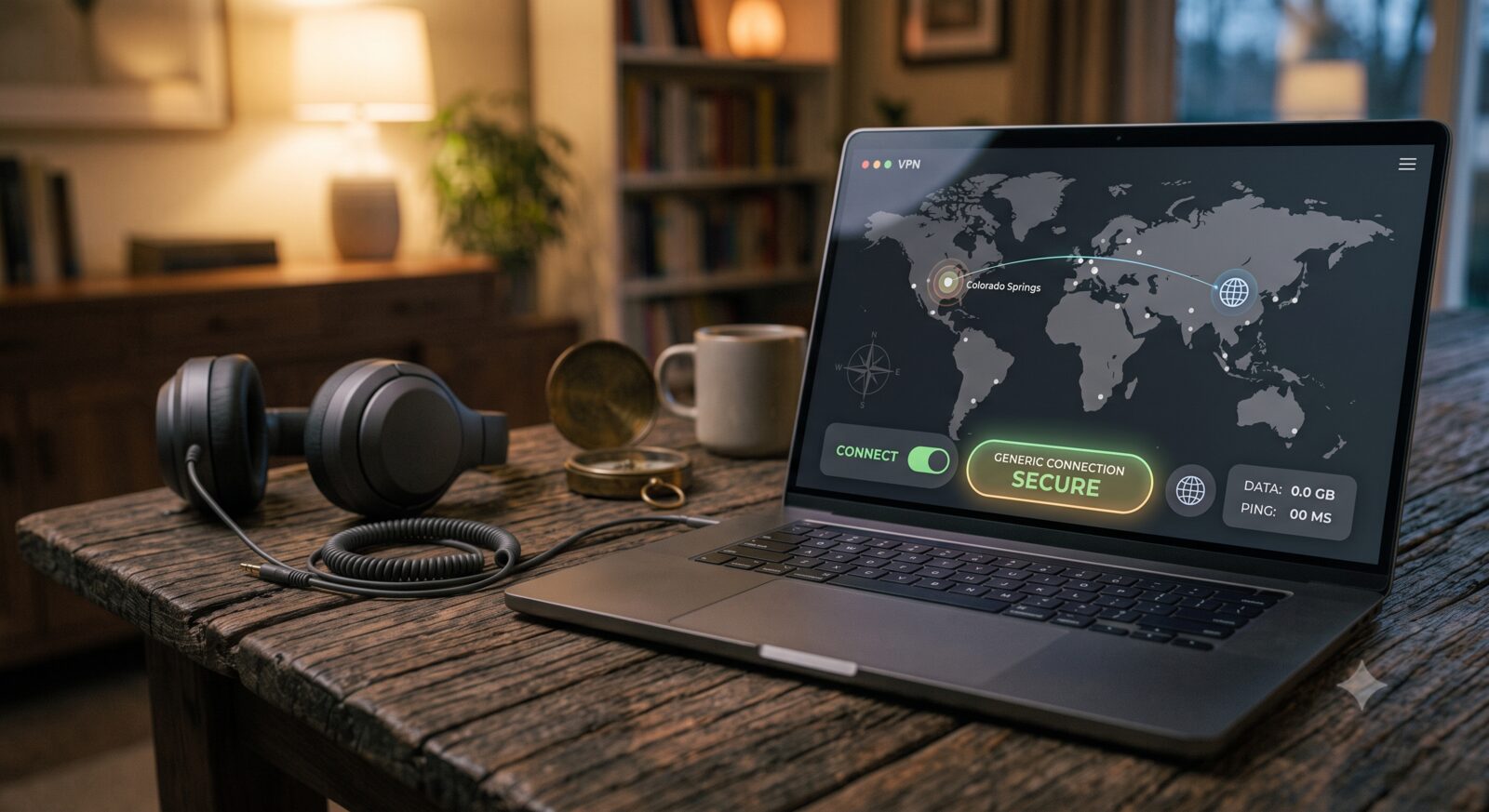
This fixes the problem more often than people expect. Sometimes a specific server is down or overloaded, not your connection. Pick a different city or country in the app and try connecting again before doing anything else.
Switch the Protocol
Surfshark can connect using a few different methods, called protocols, and some networks block one but allow another. In the app’s settings, look for a protocol option and try switching between WireGuard, OpenVPN, and IKEv2. If one won’t connect at all, another one often will. Surfshark’s current app includes all three by default, so this is a free setting change, not an upgrade.
Check for Another App Blocking It
Antivirus software, firewalls, and even another VPN app running at the same time can block Surfshark from connecting. Close any other VPN apps completely, and if you have strict antivirus or firewall software, check its settings for anything blocking Surfshark specifically.
Check Your Device’s Date and Time
This one gets missed constantly because it has nothing to do with the VPN itself. Surfshark’s connection relies on a secure handshake that checks certificates against your device’s clock, and if your date, time, or timezone is set incorrectly (even by a few minutes), that handshake can fail silently — the app just won’t connect, with no error message pointing at the real cause. On phones and computers, set the clock to update automatically rather than manually, and double-check the timezone matches your actual location, especially after travel.
Restart the App and Your Router
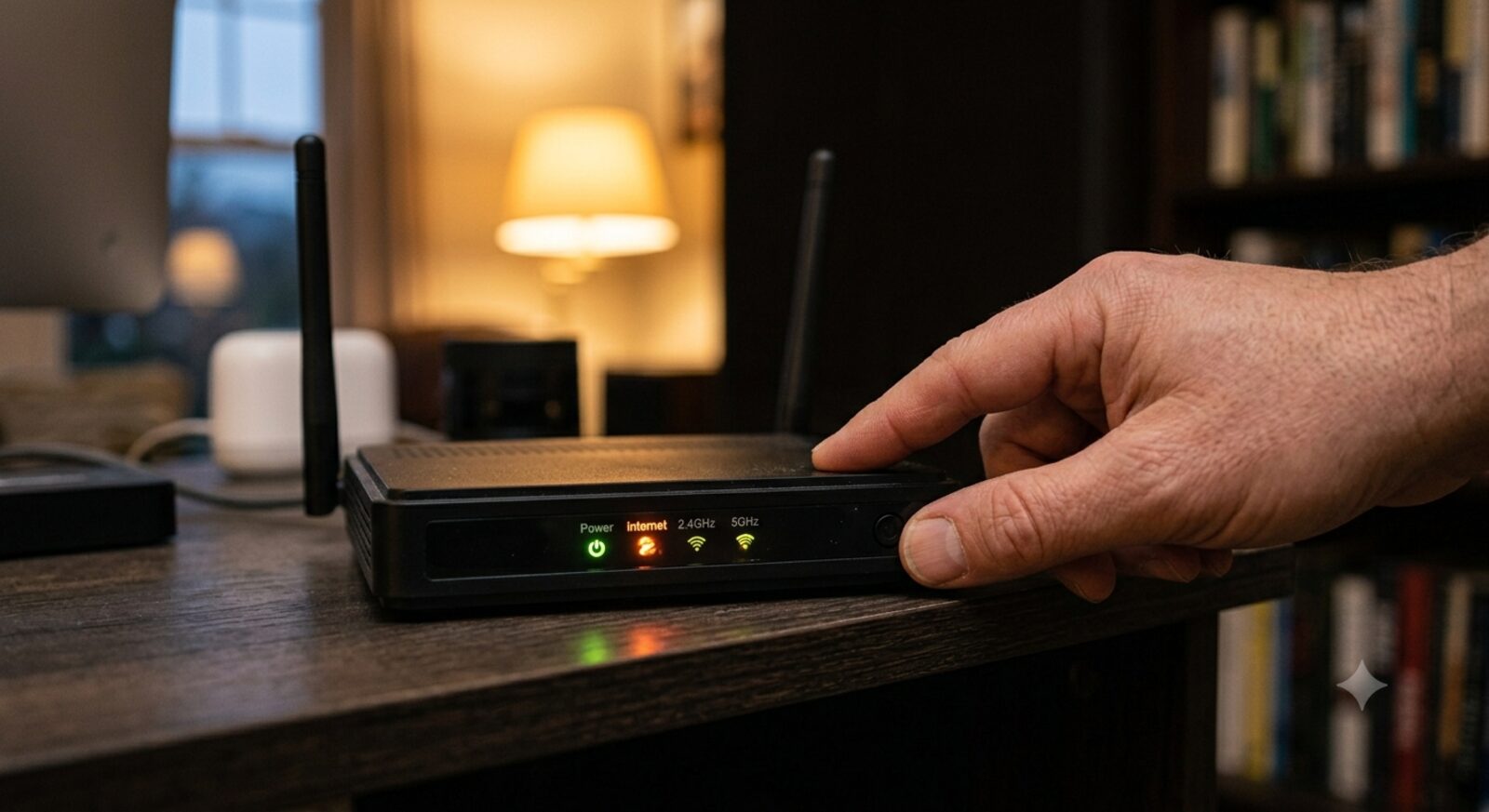
Close Surfshark completely, not just minimize it, and reopen it. If that doesn’t help, restart your Wi-Fi router. A surprising number of “won’t connect” problems are actually a stuck network connection that a router restart clears up.
Check If You’re on a Restricted Network
Some hotel, school, and office networks actively block VPN traffic. If Surfshark works fine on your home Wi-Fi but not on a specific network, that network is likely blocking it on purpose. Switching protocols, especially trying one built for restrictive networks, is the best workaround, but it isn’t guaranteed to get around every block.
Compare Surfshark’s plans directly if you’re still deciding whether it fits how and where you connect.
Frequently Asked Questions
Why does Surfshark connect on my phone but not my laptop?
This usually points to something specific to that device, like a firewall setting, an outdated app version, or a conflicting security program. Update the app on the laptop first, then check its firewall settings for anything blocking Surfshark.
Does my internet plan affect whether Surfshark connects?
Not usually. Most home and mobile internet plans work fine with Surfshark. Connection problems are far more often caused by the network actively blocking VPN traffic (like some public Wi-Fi) or a setting on your device, not your internet plan itself.
Is it safe to keep switching protocols to fix connection issues?
Yes. All of Surfshark’s available protocols are secure, they just differ slightly in speed and how well they handle restrictive networks. Switching between them to fix a connection problem doesn’t reduce your security.