
This page contains affiliate links. If you make a purchase through one, we may earn a commission at no extra cost to you.
Two separate problems get lumped under “travel VPN” and they actually need different things from a provider: unblocking the shows you already pay for while you’re out of your home country, and not getting your accounts compromised on hotel and airport wifi. Here’s what covers both. Surfshark’s current plans.
Why Your Streaming Library Changes When You Travel
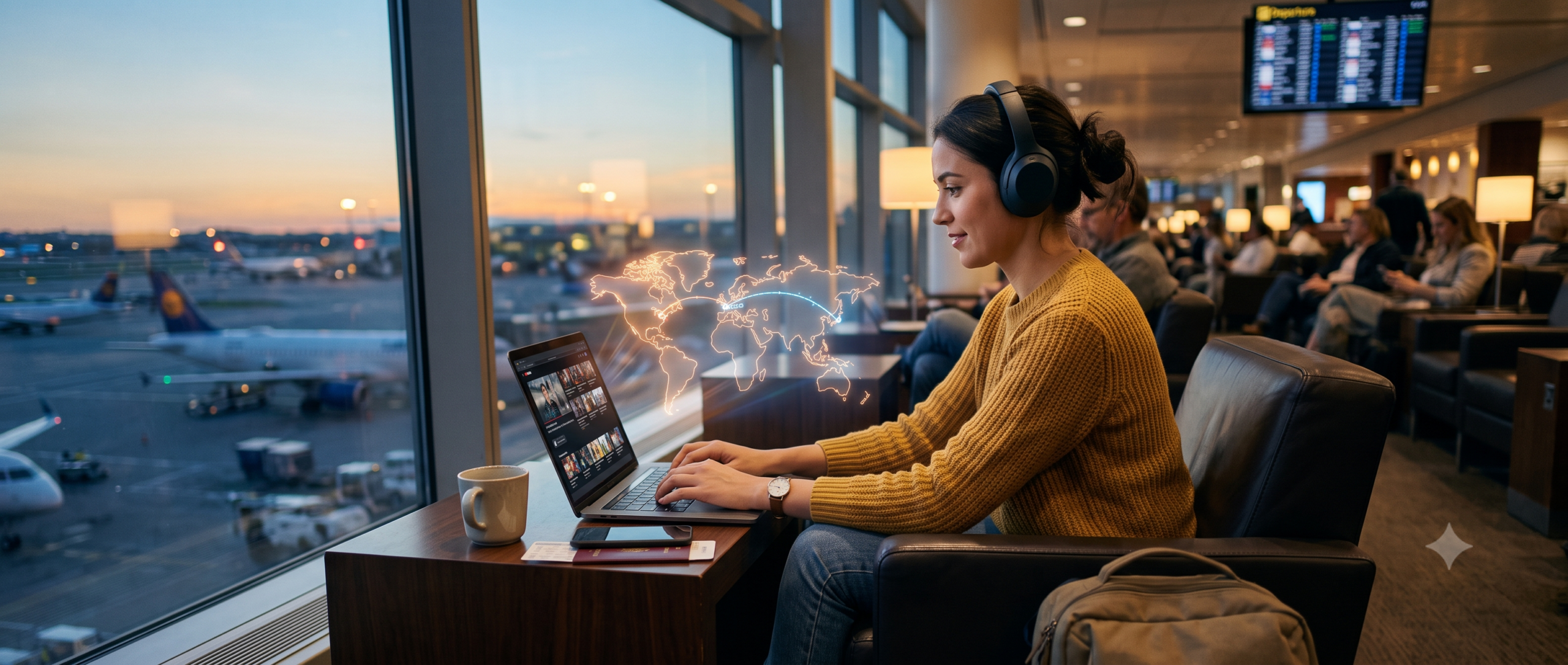
Streaming services license content per country, not globally — the same subscription shows a different catalog depending on where your IP address says you are. Connecting through a VPN server located in your home country makes the streaming service see that location instead of wherever you physically are, restoring the library you’re actually paying for. This isn’t a workaround exploiting a loophole so much as it is routing around a licensing quirk that has nothing to do with what you paid for.
Why This Breaks With Cheaper VPNs
Streaming services actively maintain blocklists of known VPN server IP addresses, and a provider’s ability to stay ahead of that detection depends on server count and how frequently it rotates IPs. Budget VPNs with small server networks get blocklisted fast because the same handful of IPs get flagged repeatedly. Surfshark’s 4,500+ servers make blanket blocklisting far less practical for streaming services to maintain, which is the actual mechanism behind “does it work for streaming” rather than a vague marketing claim.
Hotel and Airport Wifi Is a Different Risk Than People Think
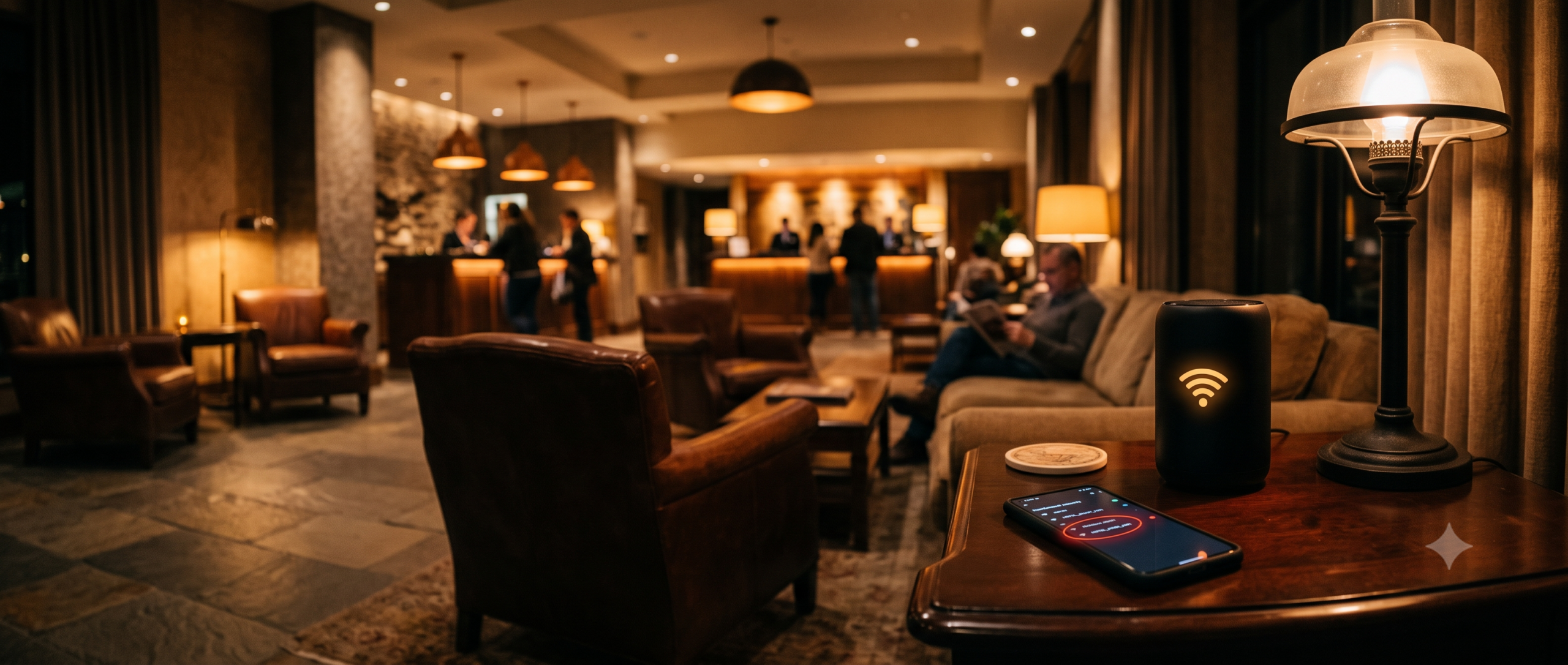
The common fear is a stranger on the same network reading your traffic — real, but not the most common way travelers actually get compromised on public wifi. Fake access points spoofing a hotel’s real network name, and networks with no isolation between connected devices, are the more common practical risks. A VPN’s encryption makes your traffic unreadable to anyone else on the network regardless of which of those situations you’ve walked into, which is the actual value, not a vague “public wifi is dangerous” warning.
See Surfshark’s current offer if you’re planning a trip and want this handled before you land.
One Setting That Matters More While Traveling Than at Home
Camouflage Mode obfuscates the fact you’re using a VPN at all — worth turning on specifically while traveling, since some hotel and airport networks, and some countries, actively throttle or block detected VPN traffic. At home on your own network this setting does very little; away from home, on networks you don’t control, it’s the difference between the VPN working invisibly and getting flagged and throttled mid-trip.
What Doesn’t Actually Need the VPN
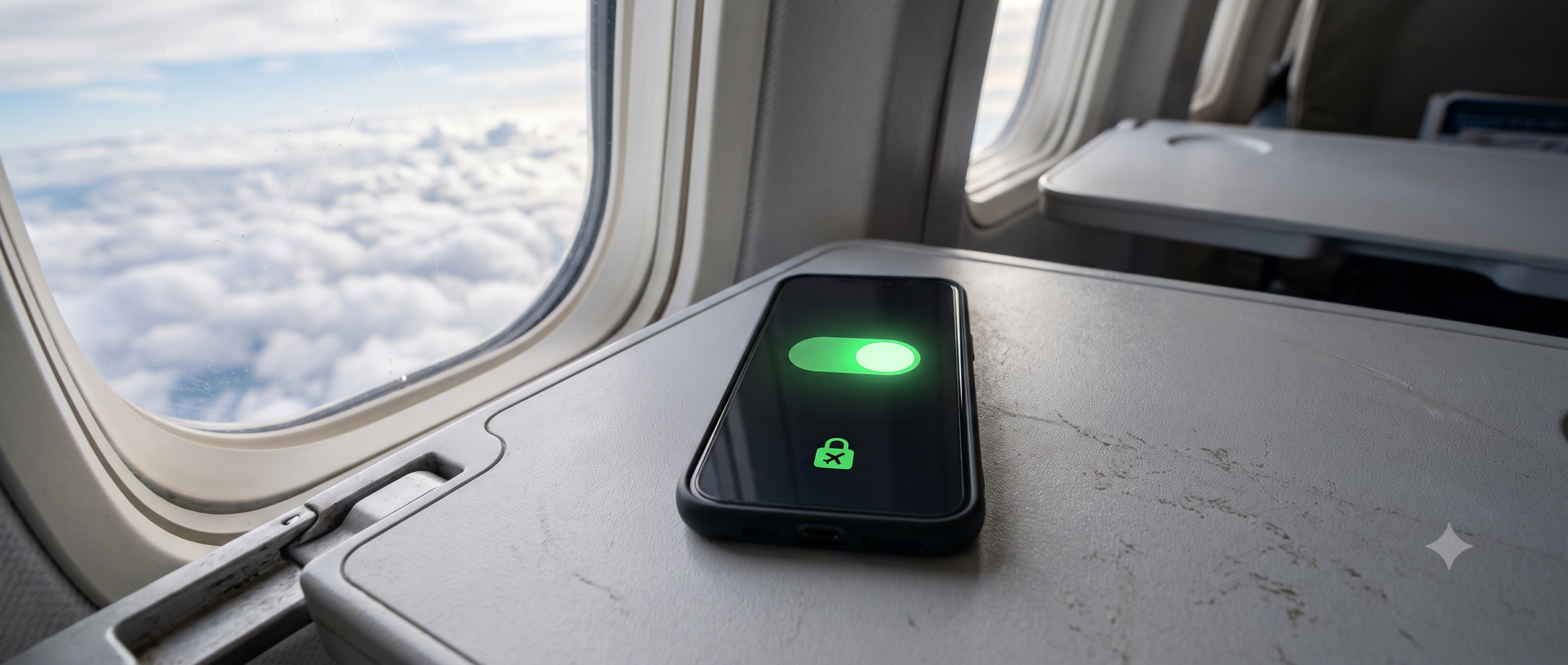
Not every app on your phone needs to route through the tunnel while traveling. Banking apps in particular sometimes flag a foreign-looking IP address as suspicious and lock you out, which is a self-inflicted problem a VPN just created. Split tunneling lets you exclude specific apps like banking from the VPN while keeping everything else — browsing, streaming, hotel wifi traffic — protected.
Countries Where VPN Use Is Restricted or Banned
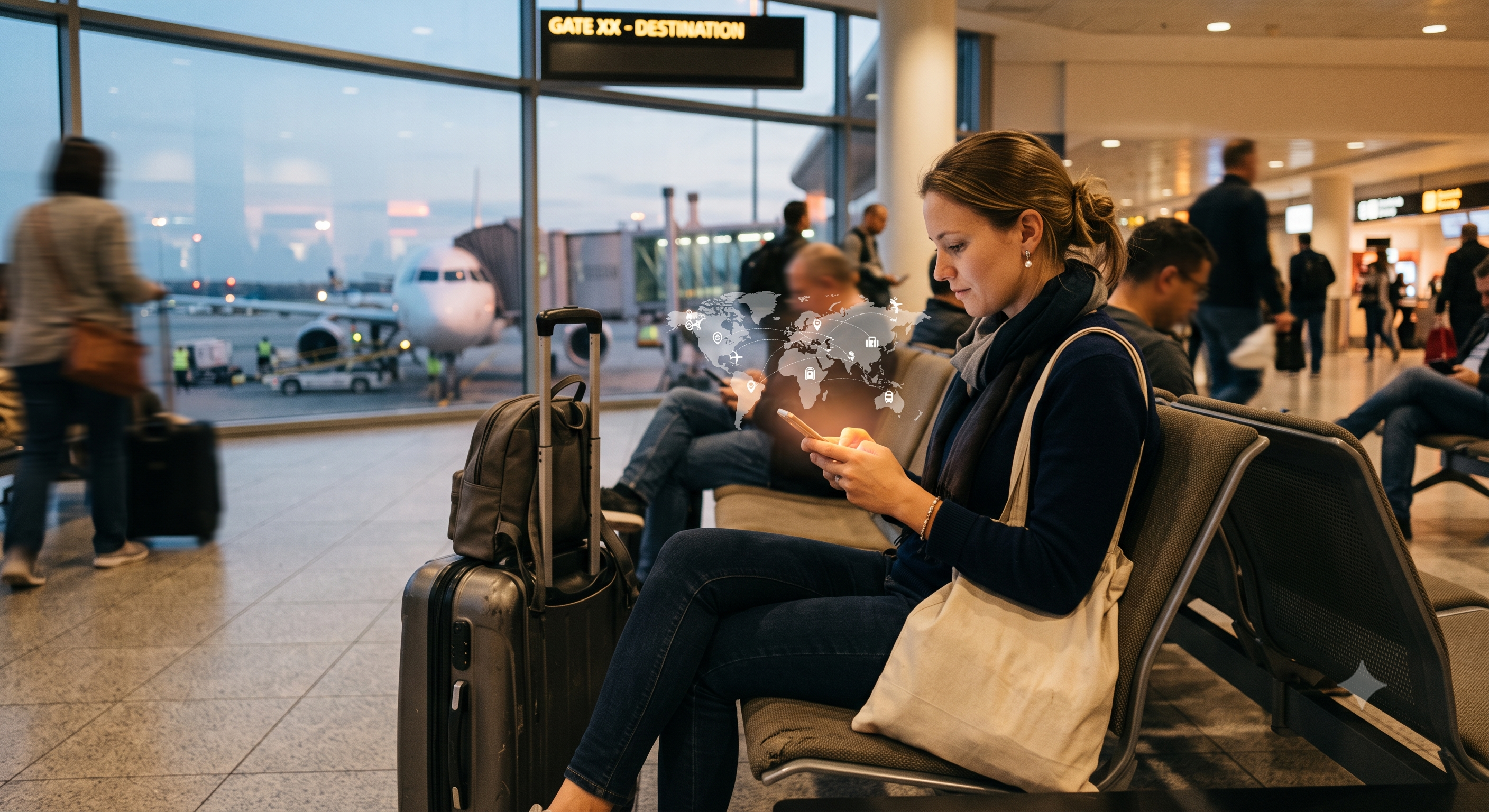
This is the one travel-specific fact most VPN buying guides skip entirely: a handful of countries restrict or ban VPN use outright, or only permit government-approved VPN services, and connecting there changes the calculation from “which VPN is best” to “should I use one at all.” China, the UAE, Russia, and a small number of others fall into this category, with enforcement and actual practical risk to individual travelers varying significantly by country and how the VPN is used. This isn’t legal advice, and the specifics change over time — check current guidance for your specific destination before you travel, not after you’ve landed and found the app doesn’t connect.
Obfuscation features like Surfshark’s Camouflage Mode exist partly because of this reality — some travelers in VPN-restrictive countries rely on traffic that doesn’t look like VPN traffic to a network operator, precisely because a detectable VPN connection is what gets blocked or flagged in the first place. Even with obfuscation, this is a genuinely different risk profile than using a VPN in a country with no such restrictions, and worth researching specifically for your destination rather than assuming any VPN “just works” everywhere in the world.
Captive Portals: Connect the VPN After, Not Before
Most hotel and airport wifi networks use a captive portal — the browser login or “accept terms” page that pops up before you get real internet access. A VPN connected before you complete that login will block the captive portal page itself, since the encrypted tunnel prevents the network from redirecting your browser the way captive portals require. The practical sequence: connect to the wifi network, complete the captive portal login normally with the VPN off, and only then turn the VPN on. Connecting in the wrong order is one of the most common “why won’t my VPN connect at the airport” support questions, and it’s a sequencing issue, not a VPN malfunction.
Setting Up Before You Leave, Not at the Gate
Download and log into the app, confirm the kill switch is on, and connect once from home to verify it’s working before you’re relying on it in an unfamiliar airport with a weak signal and a boarding call in ten minutes. Testing a new tool for the first time under travel stress is how people end up frustrated with something that would have taken two minutes to verify calmly beforehand.
- Install and log into the app on every device you’re bringing, not just your phone — a laptop you forgot to set up becomes a problem the first time you need it on unfamiliar wifi.
- Confirm the kill switch is enabled on each device individually — it’s not always on by default and settings don’t always sync automatically across devices on one account.
- Note which specific countries on your itinerary have VPN restrictions, if any, before you leave rather than discovering it when the app won’t connect.
- Set up split tunneling for banking and any app that’s previously flagged a foreign IP, so you’re not troubleshooting a lockout mid-trip.
- Download offline maps and any content you might need before departure, in case a restrictive network or a VPN-banned country limits what you can access once you land.
Roaming Data, eSIMs, and Public Wifi: The Real Risk Ranking
More travelers now default to a local eSIM or their carrier’s international roaming plan instead of relying on hotel and airport wifi at all, and it’s worth knowing where a VPN fits into that shift rather than assuming it’s only relevant for wifi. Cellular data — whether roaming or a local eSIM — is meaningfully more secure by default than open public wifi, since it doesn’t have the same shared-network eavesdropping risk. It is not automatically private, though: your carrier and any network operator along the way still sees your traffic metadata, and the streaming-library unblocking problem exists identically over cellular data as it does over wifi, since that’s about your apparent IP location, not the connection type.
The practical ranking, most risk to least: unencrypted public wifi with no VPN is the highest-risk option, especially for anything involving logins or payment; public wifi with a VPN running closes most of that gap; cellular data (roaming or eSIM) without a VPN is safer than wifi but still not private and doesn’t restore your home streaming library; cellular data with a VPN running covers both problems at once and is the strongest combination available while traveling. If you’re choosing between paying for roaming data versus relying on hotel wifi, factor in that the VPN’s job doesn’t change either way — you still want it running for streaming access regardless of which connection type you’re on.
Bottom Line
For unblocking your home streaming library and staying safe on networks you don’t control, the server count and modern protocol support matter more than almost anything else in the spec sheet — and unlimited devices means the whole family’s phones and tablets are covered under one plan while traveling together.
Check Surfshark’s current pricing
Frequently Asked Questions
Is it legal to use a VPN to watch my home streaming library abroad?
Using a VPN itself is legal in the vast majority of countries. Whether it violates a specific streaming service’s terms of service is a separate question from legality — enforcement in practice is typically limited to the streaming service blocking the detected VPN IP, not any legal action against the user.
Will a VPN slow down streaming while traveling?
Connecting to a server back in your home country from far away introduces more latency than a nearby server would. In practice this is usually still fast enough for streaming, which buffers ahead, though it’s more noticeable for live video calls.
Do I need a VPN if I’m only using my phone’s cellular data while traveling, not wifi?
Cellular data is generally safer than open public wifi, but streaming-library unblocking still requires the VPN regardless of connection type, since that depends on your apparent location, not the network security level.
Can I use a VPN in any country without issue?
No — a small number of countries restrict or ban VPN use, or only allow government-approved services. Check current guidance for your specific destination before traveling rather than assuming it’s universally fine everywhere.
Why won’t my VPN connect to hotel wifi?
The most common cause is connecting the VPN before completing the hotel’s captive portal login page, which the encrypted tunnel blocks. Turn the VPN off, complete the login page normally, then reconnect the VPN once you have standard internet access.
Should I connect to my home country’s server or a local one while traveling?
Depends on the goal: connect to a home-country server specifically to unblock your home streaming library, since that’s what makes the service see your usual location. For general browsing and security with no streaming-unblocking need, a nearby server (same country or continent you’re currently in) gives better speed with the same security benefit.